
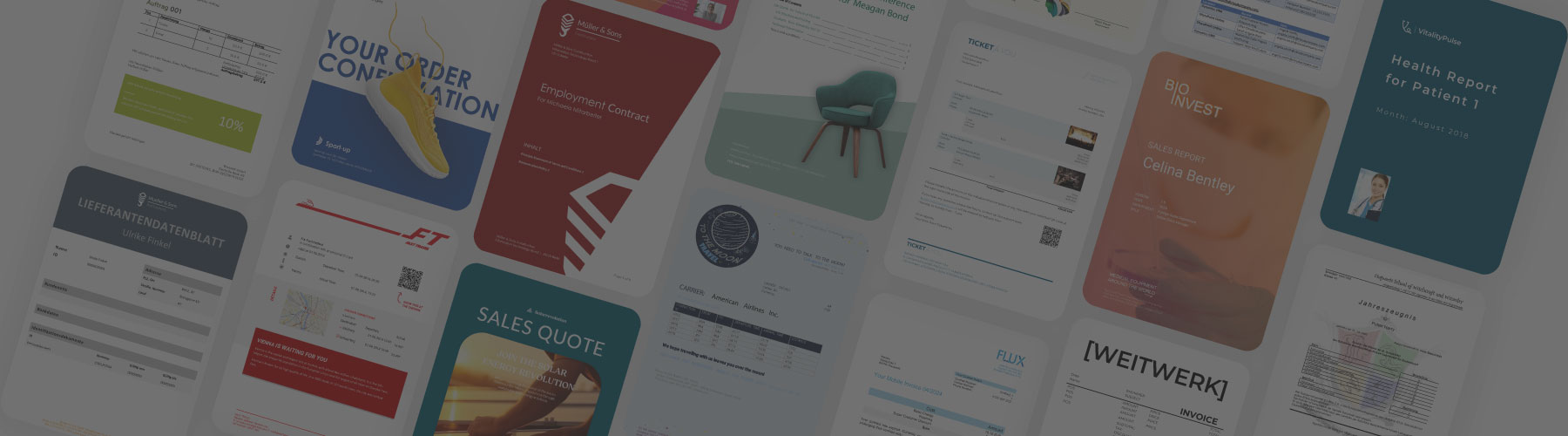
What is document generation?
Document generation is the process for the automated creation of structured, ready-to-use documents from any data source. This involves using data and business logic from ERP-systems such as Dynamics 365 FSCM | BC or SAP, CRM-systems like Dynamics 365 CE, the Power Platform, databases or other systems to populate predefined templates.
By using document generation, business users can create a wide variety of documents accurately and without errors. With just a few clicks, contracts, invoices, reports, quotes, applications, and many other types of documents can be produced. This process already saves companies across various industries time and resources.
Discover how document generation transforms raw data into structured, brand-compliant documents and how it integrates into the broader world of document automation.
Benefits of document generation

Time-Saving
Save hours on repetitive editing and formatting once your template is ready

Consistency
Ensure all documents display an uniform corporate design and stay legally compliant

Scalability
Create an unlimited amount of documents with one click or from a workflow in just a few minutes

Error prevention and accuracy
Ensure high-quality documents by reducing routine setup tasks which are prone to human-errors

Productivity
Produce more documents in less time by speeding up the creation process

Work satisfaction
Increase motivation by enabling your team to focus on other impactful tasks
How dox42 enhances document generation
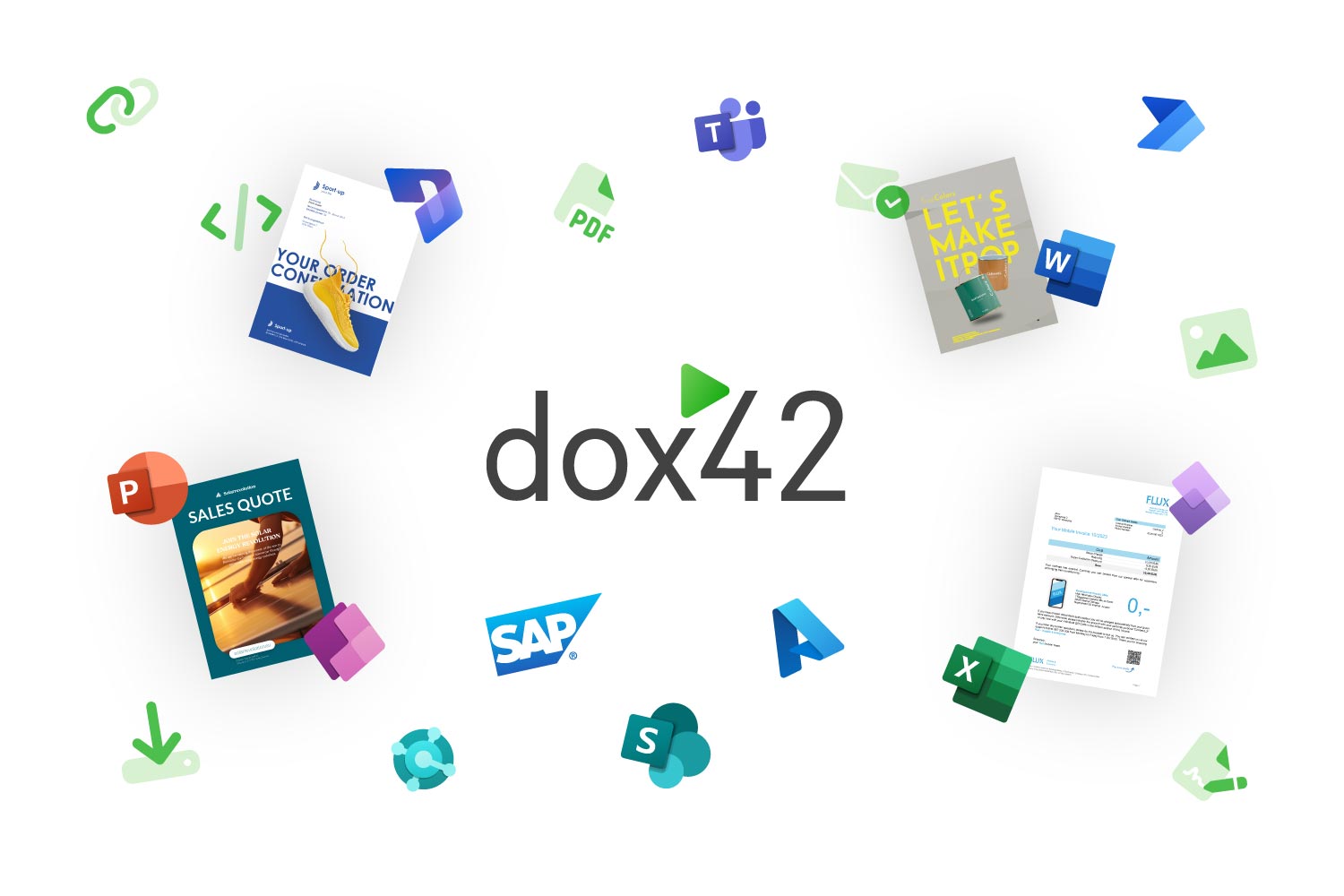
Even though most systems already offer template designers for document creation, there is a more flexible approach for creating and automating documents. With dox42, all users can create templates directly in Microsoft Word, Excel or PowerPoint without any programming skills. This way business users work in their familiar environment while creating dynamic templates with tables, images, charts, conditional content and other additional features.
Another key strength of dox42 is its ability to integrate data from almost any system including Microsoft 365, Dynamics 365, SAP, Power Platform and additional data sources. These integrations support a wide range of use cases and enable consistent output in formats such as PDF, Word or XML/JSON and various other formats.
Document generation with dox42
- Design intuitive templates: Harness the full power of Microsoft 365 to design templates including text modules, tables, images, conditions, charts, and dynamic content for various use cases
- Connect various data sources: Integrate within Microsoft 365, Dynamics 365, SAP, the Power Platform, databases and many more data sources
- Generate with a click or from a workflow: As soon as a template is ready, you can generate outputs in PDF, Word, Excel, PowerPoint, or as an email. There are many output formats available
3 Months, for a dox42 Instance to reach its Break-Even Point
"Durch den Einsatz von dox42 ist es nun einfach möglich, unterschiedliche Datenquellen anzubinden und die erforderlichen Vorlagen intuitiv und schnell in MS Office zu gestalten."

Carmen Kretschmer
Solution Architect SAP
3 Months, for a dox42 Instance to reach its Break-Even Point
"Unser Break-Even-Point wurde in 4 Wochen erreicht."

Elena Schneider
Projektmanagement
3 Months, for a dox42 Instance to reach its Break-Even Point
"dox42 hat sich schnell zu einem unserer Lieblingsprodukte entwickelt. Das Tool ist schlank, ohne dabei die Flexibilität zu verlieren auch technisch komplexe Szenarien zu meistern."

Andreas Gümbel
Teamleiter SharePoint / BI-Entwicklung
Industries
Automatically create all kinds
ofdocuments in differentindustries